
Database vs Server: A Clear Guide to Roles and Scaling No-Code Apps
The easiest way to grasp the difference between a database and a server is to think about their jobs. A server is the engine that runs your application and handles requests, while a database is the library that stores and organizes all your information.
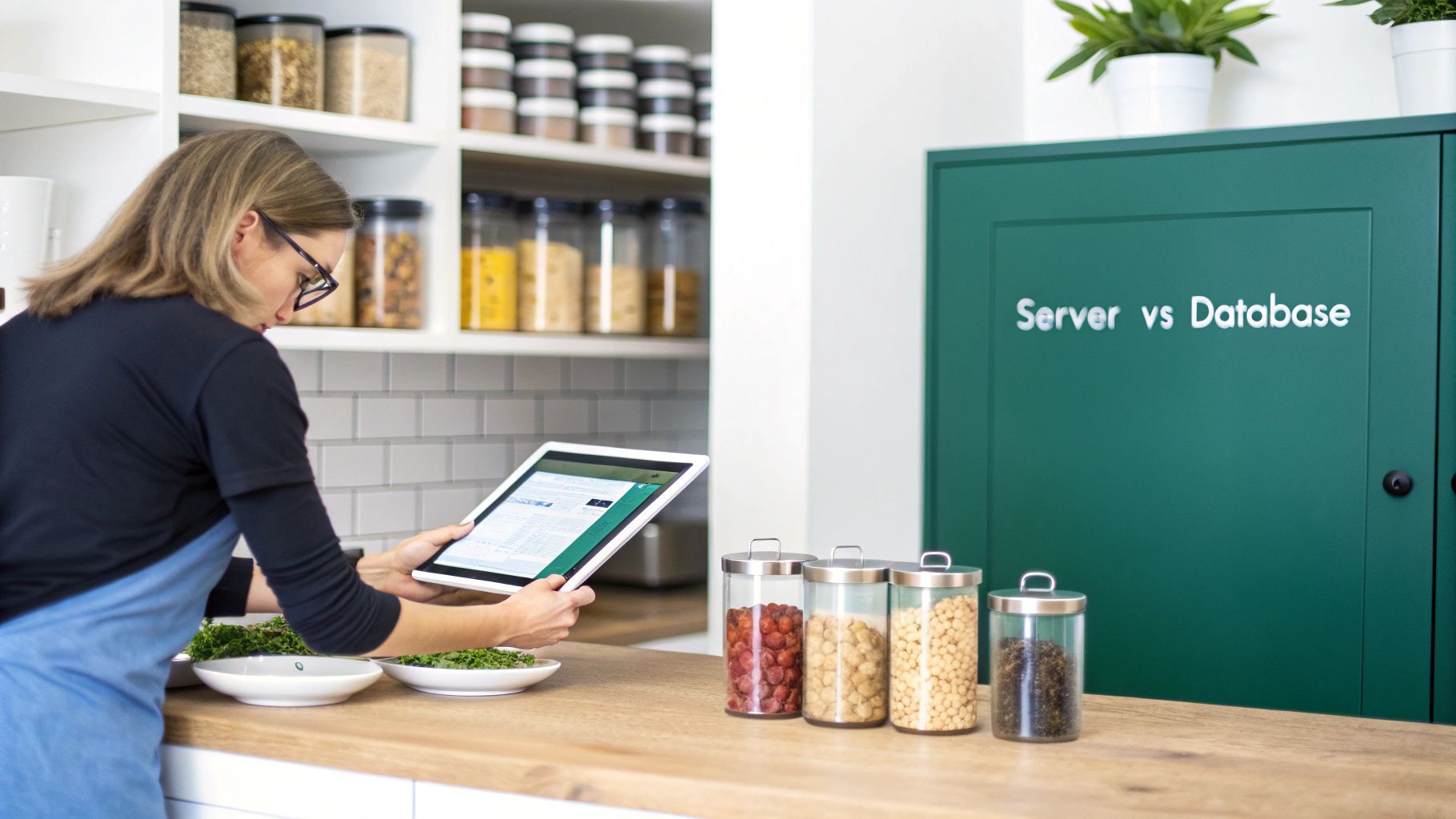
Let's use a simple analogy: imagine a restaurant. The server is the kitchen, and the database is the pantry. One can't function effectively without the other.
Understanding The Core Difference Between a Database and a Server
I've seen many founders use "server" and "database" as if they're the same thing, especially when they're first starting out. It's an easy mistake to make, but they perform two very different—yet complementary—jobs. Getting this distinction right is absolutely crucial when you're thinking about scaling your tech beyond the limits of no-code tools.
At its core, a server is a powerful computer (or a virtual instance) that listens for incoming requests, runs your application's logic, and sends back responses. On the other hand, a database is highly specialized software built for one primary purpose: managing data efficiently.
The Kitchen Analogy Explained
Let's go back to our restaurant. Say a customer (a user) wants to see their order history. Their phone (the client) sends a request to your application's server (the kitchen). The server (the head chef) gets the ticket, understands what's being asked for, and heads to the database (the pantry) to pull the specific order details for that customer.
Once the chef has all the "ingredients" (the data), they prepare the final dish (the web page or API response) and serve it back to the customer. Without the kitchen, the order would just sit there, unanswered. And without a well-organized pantry, there'd be no ingredients to make the dish in the first place.
Building out that "pantry" is a fundamental part of your application's foundation. If you want to dive deeper into that specific process, we've put together a guide on how to build a database.
Server vs Database At a Glance
To make it even clearer, here’s a quick breakdown of their distinct roles. Think of this as the cheat sheet for telling the engine apart from the library.
| Concept | Server (The Engine) | Database (The Library) |
|---|---|---|
| Primary Role | Executes application logic, processes requests, and serves content to clients. | Stores, organizes, manages, and retrieves structured data efficiently and securely. |
| Main Function | Runs the backend code (e.g., Python, Node.js) that powers your application. | Manages data tables, indexes, and relationships to ensure data integrity and fast access. |
| Real-World Example | An Nginx or Apache web server that hosts your website's files and backend API. | A PostgreSQL or MySQL instance holding all your user accounts, product info, and order history. |
Ultimately, the server provides the processing power and logic, while the database provides the memory and organization. You need both working in harmony to build a robust, scalable application.
How Servers and Databases Actually Work Together
Knowing what a server and a database do on their own is one thing, but the real magic happens when they work in tandem. This partnership is the backbone of almost every modern application, providing a level of reliability and performance that fragile no-code setups simply can't match. They form a symbiotic architecture where one can't really function without the other.
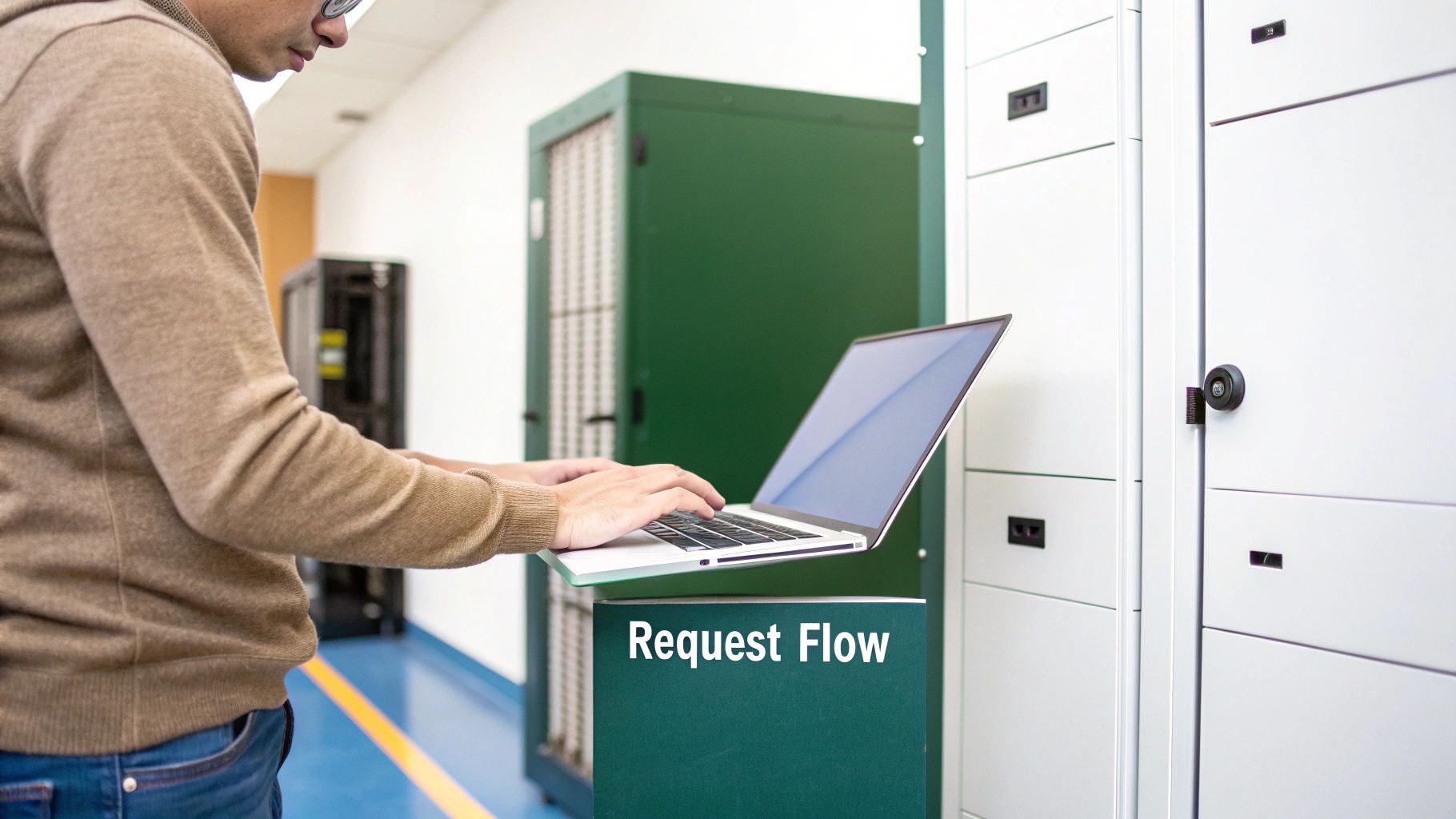
Think about what happens when you click "View My Orders" on an e-commerce site. That single click kicks off a carefully orchestrated sequence. Your browser—the client—doesn't talk directly to the database. Instead, it sends a request to an application server, which acts as the brains of the operation.
The Request and Response Cycle
The server’s first task is to apply the business logic. It has to figure out who you are, confirm you're allowed to see that order history, and then translate your request into a very specific question for the database. It won't just ask for "everything"; it constructs a precise query, something like "SELECT all orders WHERE userID = '123'".
This query is sent from the application server over to the database server. The database, which is built for one thing—finding and serving up data fast—locates the records, bundles them up, and shoots them back to the application server. The server then takes this raw data and makes it presentable, maybe by rendering an HTML page or creating a JSON file for a mobile app, before sending the final response back to you.
This structured communication is the core of the client-server model. The server is the intermediary that protects the database, enforces rules, and processes data, ensuring the client only receives what it needs, securely and efficiently.
The entire round trip, from your click to the page loading, often happens in milliseconds. It’s a far more robust and scalable system than daisy-chaining a bunch of no-code services together, which can create lag and multiple points of failure. If you want to go deeper on designing these kinds of resilient systems, our guide on software architecture best practices is a great place to start.
Cloud Infrastructure and Modern Databases
You can see this architectural shift reflected in market trends. In 2025, cloud servers accounted for 64% of server spending, showing a clear move away from clunky on-premise hardware toward flexible infrastructure in a market projected to hit $123 billion. Databases are thriving here, too. The rise of PostgreSQL, with 48.7% developer adoption compared to MySQL's 40.3%, highlights its ability to handle everything from complex web apps to heavy analytics.
This data underscores just how critical it is for founders to pair the right server with the right database to build an application that can actually grow with their business.
When No-Code Limits Reveal The Need For a Real Backend
No-code platforms are an absolute gift for getting an MVP out the door. Tools like Airtable, Bubble, and Webflow let you test ideas and chase product-market fit without touching a line of code. But that speed and simplicity come with a trade-off: a hard ceiling. Hit a certain level of success, and you'll inevitably run into limits that scream it's time to graduate to a proper backend.
These growing pains aren't a sign of failure—they're milestones. Recognizing them early is the key to preventing stalled growth, user frustration, and costs that spiral out of control. Moving from a no-code stack to a true database vs server architecture is a good problem to have. It means you're ready to scale.
Performance Bottlenecks and Costly Automations
The first cracks usually appear when your user activity starts to take off. The setup that felt snappy with 100 users can grind to a halt at 10,000. Those clever automations you built with Zapier or Make that once felt like magic suddenly become slow, unreliable, and surprisingly expensive.
Latency becomes a real problem. A single user click might set off a long chain reaction of API calls between different platforms, causing a lag you can feel. Every one of those "Zaps" or automation runs also chips away at your monthly budget, and the costs can balloon as your user base expands. This kind of fragile, daisy-chained system is a world away from a dedicated server talking directly to a database.
"We were running on Airtable and Zapier, and it was brilliant until it wasn't. The moment we tried to onboard a large client, our Zaps started timing out and failing silently. We were spending more time debugging our automations than building our product. That was our 'aha' moment—we needed a real backend, yesterday."
Hitting Hard Data and Security Limits
It's not just about speed. No-code platforms have fundamental structural limits that can slam the brakes on your product's evolution.
Here are a few real-world examples that tell you it's time for a change:
- Record Limits: You’re getting nervously close to Airtable's record limit per base, which is typically between 50,000 to 250,000 records, depending on your plan. In contrast, a custom PostgreSQL database has no practical record limit. It just scales.
- API Rate Limiting: Your app feels sluggish because you're constantly bumping up against the API request limits of your tools. A dedicated server puts you in full control of your own API, removing those external roadblocks entirely.
- Inadequate Security and Compliance: You need to build custom security rules, sophisticated role-based access, or get compliant with standards like SOC 2 or HIPAA. No-code tools offer a one-size-fits-all security model that just doesn't cut it for apps handling sensitive data. For that, you have to own your server and database.
When these issues shift from being minor headaches to daily fires, that’s your sign. The tools that helped you launch are now holding you back. It’s the critical moment when building a custom backend stops being an expense and becomes a strategic investment in your future.
Comparing Technical Stacks: A Tale of Two Architectures
Choosing your first tech stack is a bit like betting on your company’s future. You can go the no-code route with tools like Webflow, Airtable, and Zapier, which lets you build and test an idea at lightning speed. It's a fantastic way to get an MVP out the door, but it's a trade-off—you're swapping long-term control and scalability for that initial velocity.
On the other side of the coin is the production-grade approach: a custom React frontend talking to a Python backend server, with a robust PostgreSQL database holding everything together. This isn't just a technical decision; it's a strategic one that will shape your ability to handle growth, manage operational costs, and secure your data.
We'll break down the differences across the four criteria that really matter to a founder: scalability, data ownership, security, and cost. Understanding these trade-offs is essential for mapping your journey from a scrappy MVP to a powerhouse application.
The reality is, most founders hit a wall with no-code tools, and it's usually for one of a few common reasons.
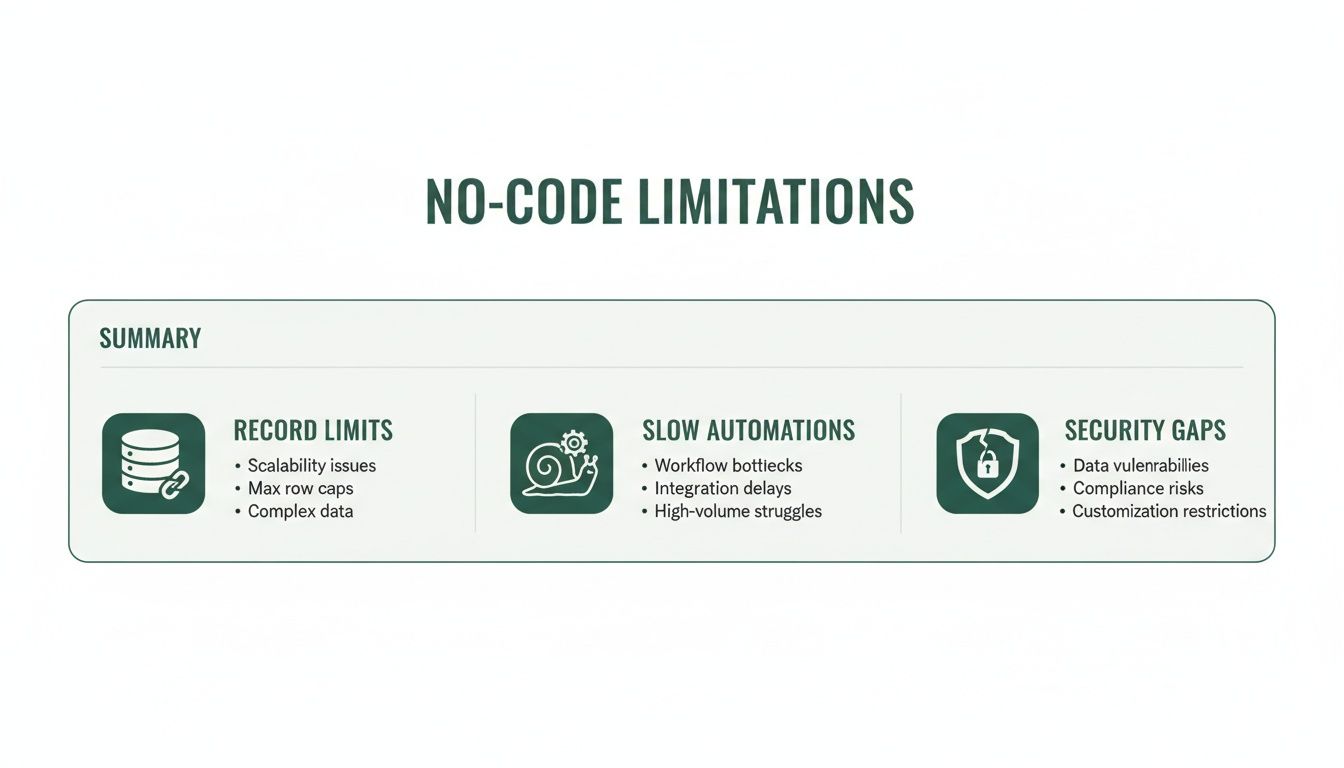
Whether it's hitting a data cap or watching automations grind to a halt, these pain points are signs that you're outgrowing a system that was never built for high-volume, custom work.
Scalability and Performance
With a no-code stack, your performance is always at the mercy of the platforms you're using. Airtable has record limits, and Zapier's "zaps" can get sluggish and expensive once you're running a lot of them. It's just not designed for heavy traffic.
A custom backend with its own server and database, on the other hand, is built to grow with you. There are no artificial limits. You can fine-tune database queries for speed, spin up more server resources as needed, and comfortably handle thousands of users at once without hitting a paywall or a performance ceiling.
Data Ownership and Security
When you build on a no-code stack, your data doesn't really belong to you. It lives on someone else's servers, governed by their rules and protected by their security measures. This can be a deal-breaker for any app that handles sensitive information or needs to be compliant with regulations like HIPAA or SOC 2.
A production-grade stack gives you 100% data ownership. You decide where your PostgreSQL database is hosted and can build custom security protocols right into your server. It's your fortress.
Owning your backend isn’t just about having the code; it’s about having complete control over your data’s security, integrity, and destiny. This is a non-negotiable for building long-term enterprise value.
This level of control is becoming more critical every day. The global servers market is forecasted to balloon from $145.15 billion in 2025 to $237 billion by 2032. But a powerful server alone is not enough. The impressive rise of PostgreSQL to 4th in the DB-Engines rankings, with 48.7% developer adoption, underscores a key truth: successful scaling requires a serious relational database, not just more server horsepower. You can learn more about the growth of the server market on fortunebusinessinsights.com.
Long-Term Operational Cost
A no-code MVP looks cheap to start. But those subscription fees have a way of creeping up. As you grow, you'll find yourself paying more for extra users, more automation tasks, and features locked behind premium tiers. The costs can become unpredictable and expensive.
A custom stack has a higher upfront cost for development, no doubt. But your long-term operational expenses are much lower and more predictable, mostly tied to cloud hosting fees that scale directly with your actual usage.
For founders weighing these two paths, it's helpful to see a direct, side-by-side comparison of what you're getting into.
No-Code MVP vs. Production-Grade Stack: A Founder's Comparison
| Metric | Typical No-Code Stack (e.g., Webflow + Airtable + Zapier) | Production-Grade Stack (e.g., React + Python + PostgreSQL) |
|---|---|---|
| Scalability | Capped by platform limits (API rates, record counts). Performance often degrades under heavy load. | Extremely scalable. Built to handle millions of users by adding server resources and optimizing the database. |
| Data Ownership | Your data lives on third-party platforms, subject to their terms. Getting it out can be a chore. | You have 100% ownership and control of your data and intellectual property, hosted on your own infrastructure. |
| Security | You're dependent on the security standards of each platform. Custom compliance (like HIPAA) is rarely an option. | Security is fully customizable. You can implement advanced authentication, encryption, and meet specific compliance needs. |
| Long-Term Cost | Low initial cost, but high and unpredictable operational costs that grow with usage (per-user fees, task costs). | Higher upfront development cost, but lower and more predictable long-term costs tied directly to cloud hosting. |
Ultimately, making the jump from a no-code solution to a custom database vs server architecture isn't a sign of failure—it's a natural and necessary step in a startup's growth. It’s what you do when you’re ready to build something lasting, something defensible, and something you truly own.
Your Migration Checklist: Preparing For a Custom Backend
Making the jump from a no-code MVP to a custom backend is a big step, but it doesn't have to be a confusing one. This isn't a technical how-to for your developers; think of it as a strategic checklist for founders. The goal is to get your requirements organized so you can have a smooth, efficient handoff to your technical team or agency partner.
Good preparation means you can explain exactly what you need, which is the fastest way to save time and money. It also gives you clear benchmarks for what success actually looks like. You're essentially creating the architectural blueprint before the builders show up.
Document Core User Workflows
Before anyone writes a single line of code, you need to map out how people actually use your product. Don't just list features—trace the critical paths users follow to get value from what you've built.
For a typical SaaS product, a workflow might look like this:
- User Onboarding: What are the exact steps from signing up and verifying an email to creating their first project?
- Core Action: A user invites a colleague, assigns them a task, and sets a due date.
- Billing Cycle: A user decides to upgrade, enters their payment info, and gets an invoice.
This documentation isn't just busywork. It gives your development team the real-world context they need to build the right logic into the new server.
Map Your Current Data Schema
Your data is the lifeblood of your application. Right now, it might be sitting in an Airtable base or spread across a few different no-code tools. Your job is to create a simple map of this data structure. You don't need to be a database architect for this—a straightforward spreadsheet is perfect.
List out each "table" (like Users, Projects, Tasks) and the key pieces of information (the fields) inside them. Be sure to note how they connect, like how a Task belongs to a Project and is assigned to a User. This schema map is probably the single most important document you can create for designing your new database.
A clear data map is a direct translation layer between your business logic and the technical build. It cuts through ambiguity and ensures your new, scalable database is built correctly from day one.
Audit Integrations and Define Success
Finally, make a list of every third-party service your application depends on. This includes everything from payment gateways like Stripe to email providers like SendGrid. Now's the time to decide which ones are non-negotiable and which could be replaced with more efficient custom features.
At the same time, define what a successful migration actually means to you. Set clear, measurable goals:
- Reduce page load times by 50%.
- Cut our monthly Zapier bill by 90%.
- Support 10,000 concurrent users without a drop in performance.
Getting this clarity is crucial. The global server market hit a record $112.4 billion in Q3 2025, a 61% jump fueled by AI infrastructure needs. As reported by storagereview.com on the AI infrastructure boom, this trend highlights a core weakness of no-code MVPs: they often rely on shared servers without a dedicated database like PostgreSQL to handle the data load.
Once you have this checklist done, you’ll be ready for a productive conversation about custom backend development and prepared to build a system that can actually grow with your business.
Frequently Asked Questions About Servers and Databases
When you’re thinking about moving past a no-code MVP, a lot of questions come up. It’s a big step. Getting straight answers is key to making a smart decision that will set your company up for real growth.
Here are the most common questions we hear from founders trying to get their heads around the whole database vs. server thing.
What Is the Quickest Way to Tell if I Need a Custom Backend?
The writing is on the wall when your no-code tools are causing more headaches than they're worth. Are you spending more time patching together Zapier workflows than actually building new features? Are you constantly bumping up against Airtable's record limits? If so, you're not failing—you're succeeding. These are clear signs of growth.
The moment your platform's limitations dictate your product roadmap, you've outgrown it. A custom backend puts you back in control, allowing your business needs—not your tools' constraints—to drive development.
Another major trigger is when security and compliance become a priority. If your business handles sensitive customer information and needs to meet standards like SOC 2 or HIPAA, a dedicated server and database are pretty much non-negotiable. You need that control to implement the specific security measures required.
Is It Cheaper to Stick with No-Code or Build My Own Backend?
In the very beginning, a no-code stack is almost always the cheaper option. But those costs rarely scale in a straight line. As your user base expands, so do the monthly subscription fees for every tool you use. The cost per automation run goes up, and you start paying premiums for higher data limits. These operational costs can quickly become unpredictable and, frankly, a lot higher than you'd expect.
Building a custom backend means a bigger investment upfront for development. However, your long-term operational costs become much lower and far more predictable. Your main ongoing expense is cloud hosting, which scales directly with the resources you actually use. For any successful app, owning your stack almost always becomes the more affordable choice over time.
Can My Server Also Be My Database Server?
Technically, yes. You can absolutely run your database software on the same server that handles your application logic. For small projects, early-stage MVPs, or just a development environment, this is a pretty common way to keep initial costs down and simplify the setup. Everything's in one place, which is convenient.
But for any application that you expect to grow, this is a bad long-term strategy. Splitting them up gives you some huge advantages:
- Specialized Performance: You can pick a server optimized for raw computing power (CPU-intensive) and a different one built for fast data access (memory and storage-intensive). Each machine can be perfectly tuned for its specific job.
- Enhanced Security: By tucking the database behind the application server, you create another layer of defense. This drastically reduces its direct exposure to the public internet.
- Independent Scaling: Your app might get to a point where the database is gasping for resources, but the application server is barely breaking a sweat (or vice-versa). Separating them lets you scale just one component without having to over-provision—and overpay for—the other.
For any serious production system, giving your application and your database their own dedicated servers is a foundational best practice. It’s how you build something reliable that can actually scale.
Are you ready to replace brittle automations and costly no-code subscriptions with a scalable, production-grade backend? At First Radicle, we specialize in migrating founders from no-code MVPs to modern, defensible tech stacks in just six weeks. Own your IP and build for the future at https://www.firstradicle.com.